The App
Beside is a birth-plan and prep app for moms. It helps you understand your options, decide what feels right for you, and walk into your birth with a plan. It talks with you the way a good doula would: calmly, plainly, and without rushing you.
Launching soon. Beside isn’t available to download or buy just yet. Here’s a look at what’s inside.
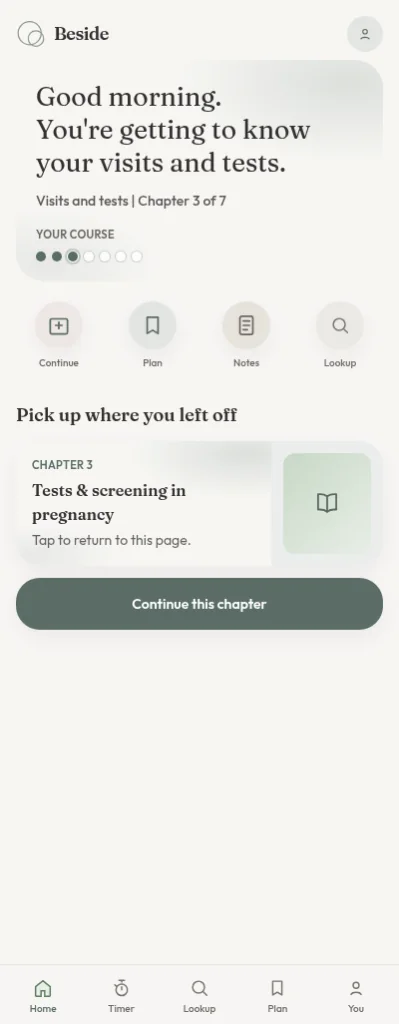
Pick up where you left off
Your progress, your plan, and your notes wait for you in one place. Sign in with your email or with Google, and everything syncs to your account, so you can pick up on any device whenever you have a few quiet minutes.
A guided course, one step at a time
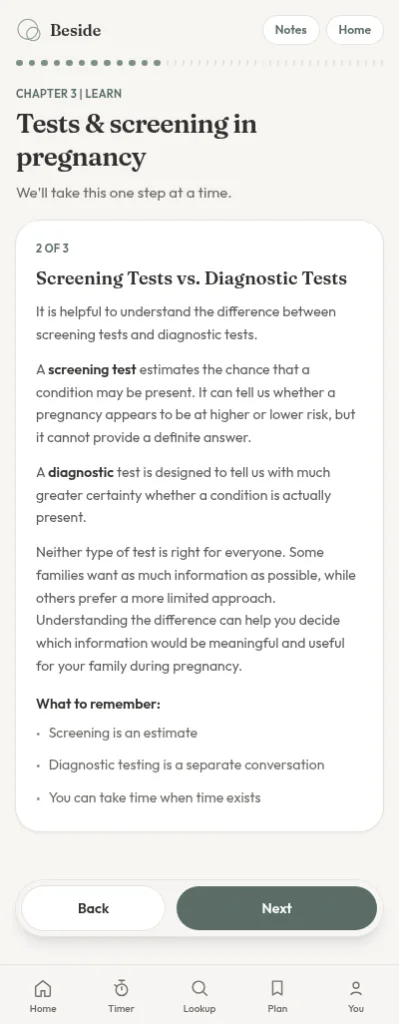
Seven short chapters walk with you from early pregnancy through birth, postpartum, and your newborn’s first days. Each lesson explains your options in plain language, without wading through the whole internet.
Build your birth plan as you learn
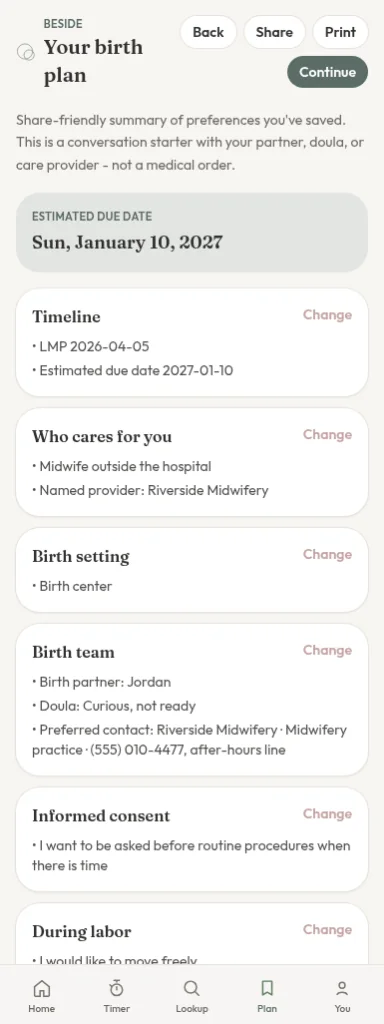
As you go, tap the choices that fit you. Beside gathers them into a clear plan, organized into Environment, Comfort measures, Induction, Pain management, During labor, During pushing, Postpartum, and Newborn. You can change your mind anytime.
Notes for your provider
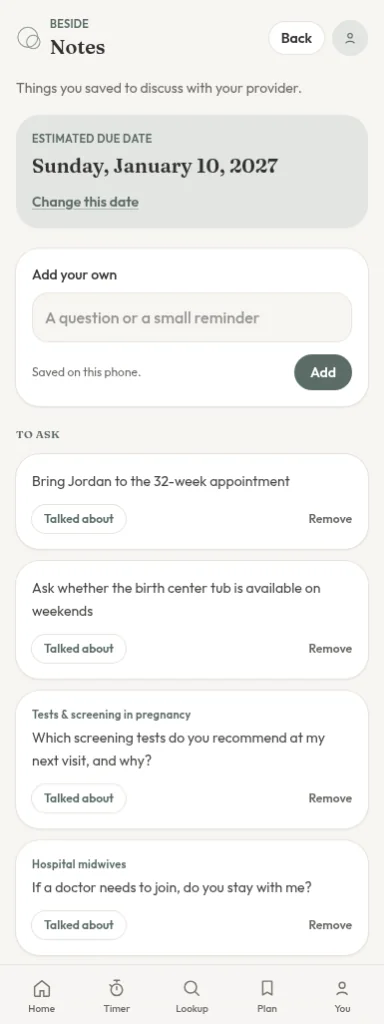
Save questions as they come up, so they are ready at your next visit. Once you have talked one through, check it off.
Find providers near you
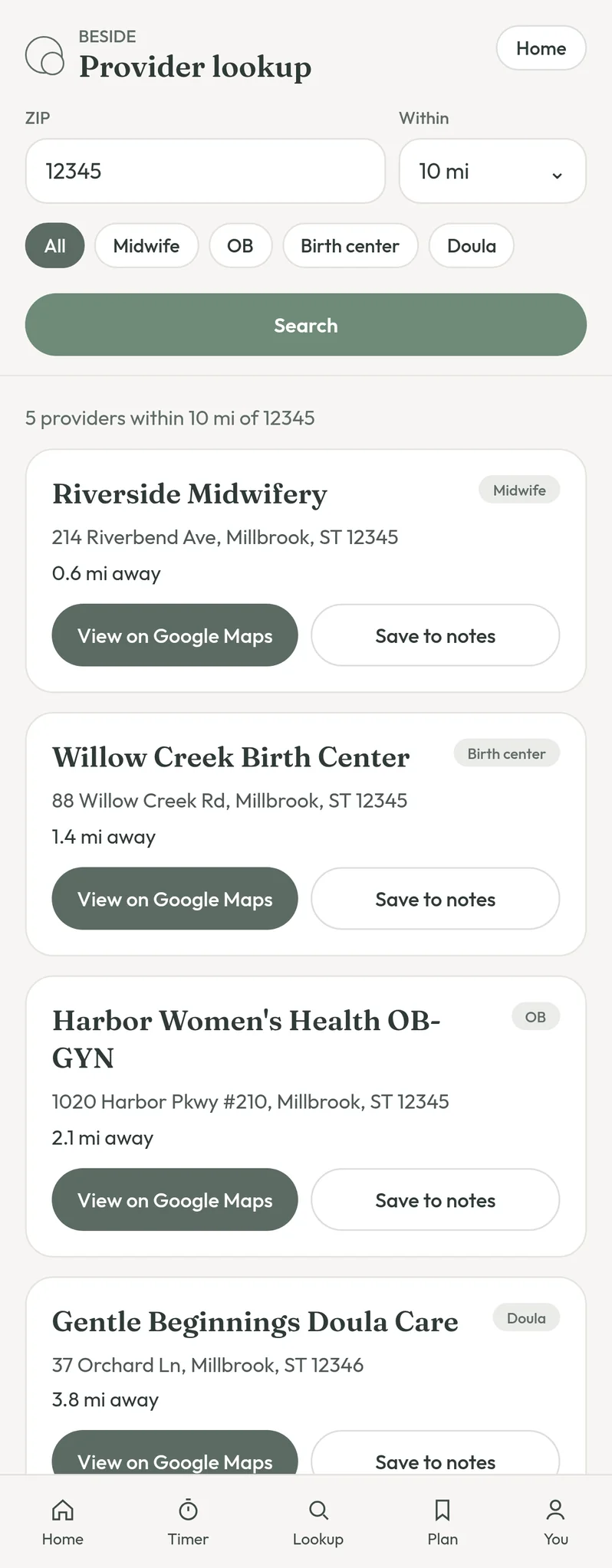
Search by ZIP code and distance for midwives, OB-GYNs, birth centers, and doulas. Each result links to Google Maps, so you can see where they are and how to reach them.
A contraction timer for labor
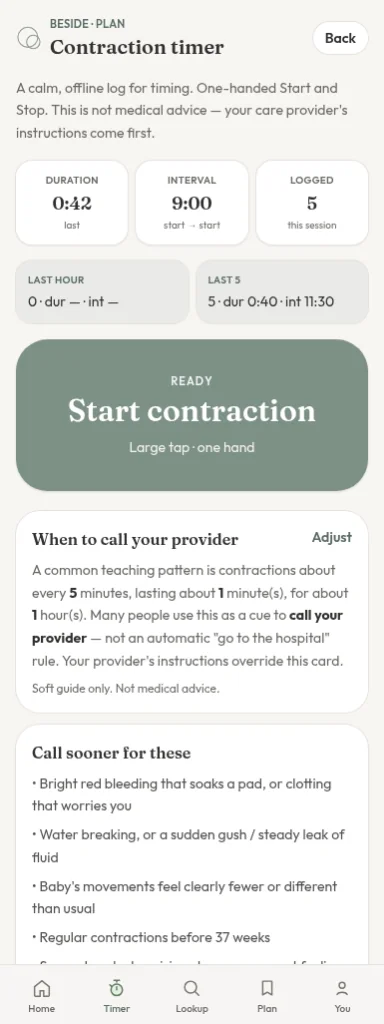
When labor starts, tap once at the start and end of each contraction. Beside shows how long they last and how far apart they are, so you have clear numbers when you call your provider.
Share your plan
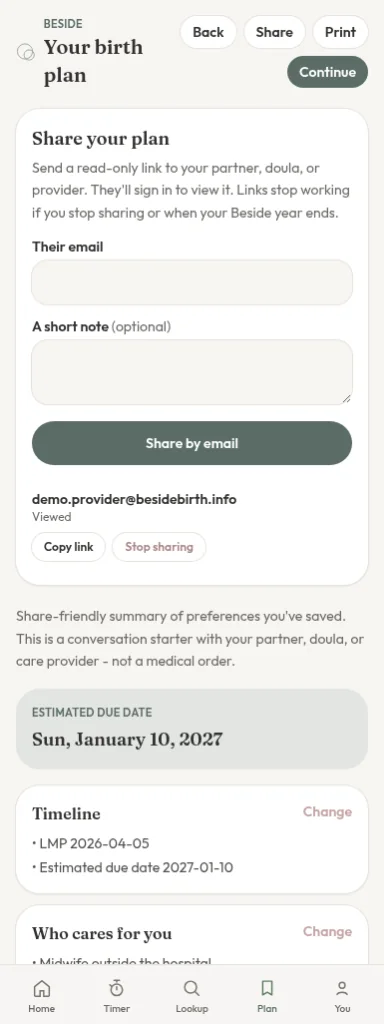
Send your plan by email or copy a link to share it with your provider or the people supporting you. They sign in to view it, read-only, so it always shows your latest choices.
For providers: Shared with me
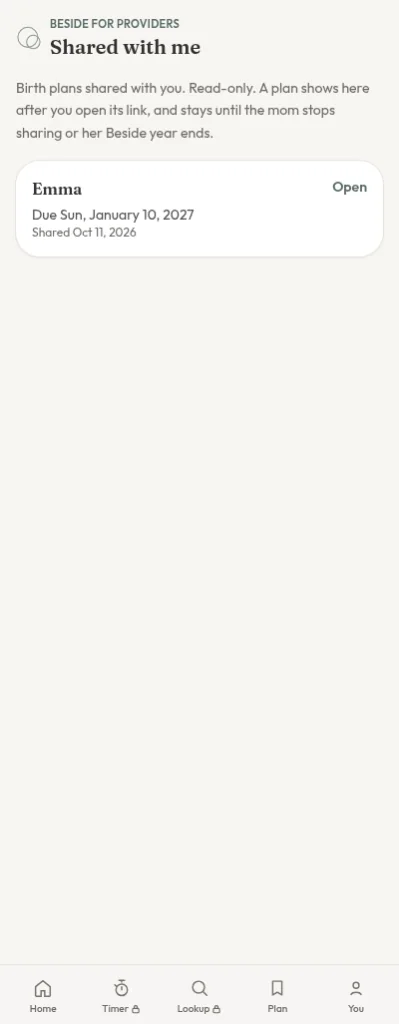
Providers can tap “I’m a provider” to get a Shared with me list, with every plan their clients have shared in one place.
Free and full access
Launching soon. Here’s what will be free and what the full year will include when Beside opens.
Free
- All of Chapter 1, with its guided lessons
- Viewing your birth plan
- Viewing your notes
- Sign in with email or Google, with your plan and notes synced across devices
Full year, $49.99
- Chapters 2 through 7, for all seven chapters
- Building and editing your birth plan
- Saving questions to your notes
- Provider lookup
- The contraction timer
- Sharing your plan
At launch, the full year will be a one-time purchase of $49.99 for one year of access. It won’t renew automatically, and it isn’t a subscription.
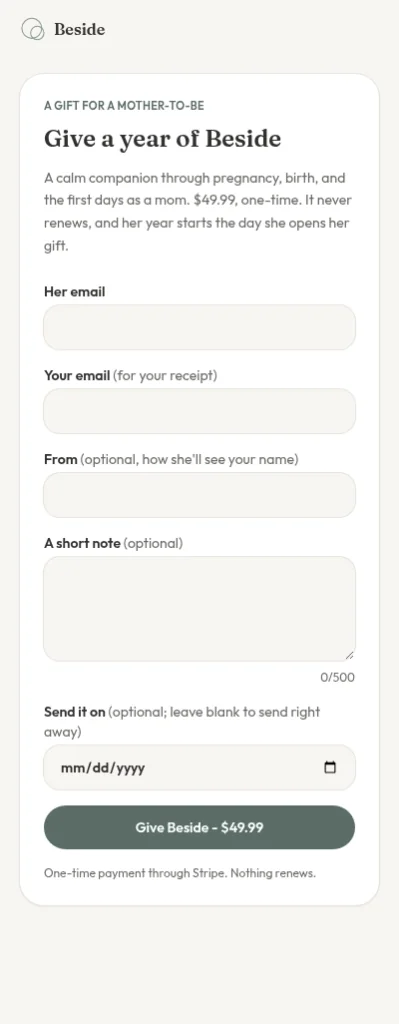
Give a year of Beside
Once Beside launches, you’ll be able to give a full year to a mom you love, for the same $49.99. Add a note if you like, and choose when it is sent. Her year starts when she opens it, not when you buy it.
A gentle note
Beside is not medical care, and it does not replace your provider. It is here to help you learn and prepare, so your conversations with your care team feel easier. You can see where our guidance comes from on our References page, and how we handle your information in our Privacy Policy. Our Terms of Use and Refund Policy are here too.
Have a question? We would love to hear from you on our Contact page.